- Top Stories
- US News
- International
- Sports
- Entertainment
- Business / Finance
- Health
- Science
- Technology
- Offbeat News




Customer Support Center
answers, tutorials, and software downloads
Webmail: Using the Address Book when Composing a Message
-
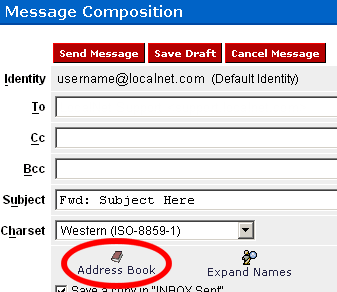
To pull an address(es) from the address book while composing a message, click
on the "Address Book" button.
-
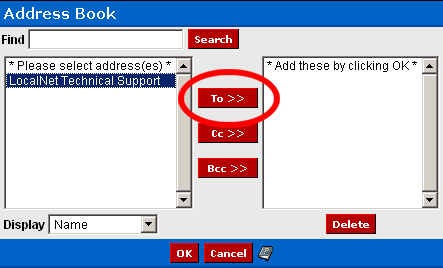
A new window will open. Select the desired recipient on the left hand side
and then click the "To >>" button. Repeat this step until you have added all
the desired recipients.
-
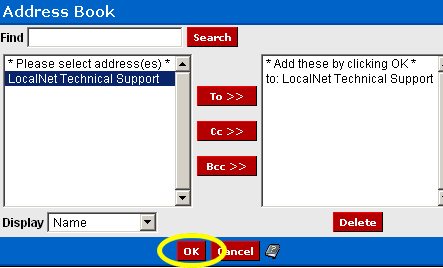
Click the "OK" button.
-
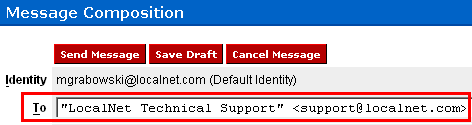
The selected recipients will now have been added to the "To" field of your message.