- Top Stories
- US News
- International
- Sports
- Entertainment
- Business / Finance
- Health
- Science
- Technology
- Offbeat News




Customer Support Center
answers, tutorials, and software downloads
Webmail: Reading, Replying, and Forwarding Messages
-
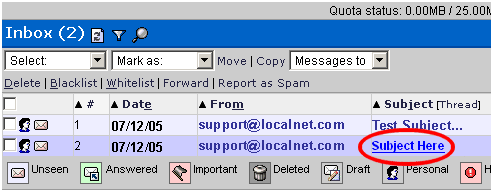
To read a message, click on the subject of the message you wish to view.
-
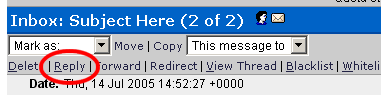
To reply to the sender, while the e-mail is open, click on the "Reply" link.
-
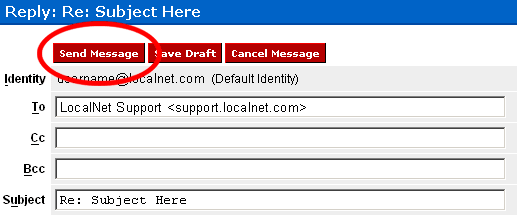
A new window will open allowing you type your response. When you're done typing
your response, click the "Send Message" button to send your reply.
-
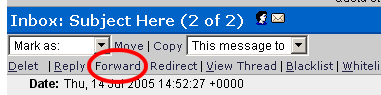
To forward a message to a new recipient, while the email is open, click the
"Forward" link.
-
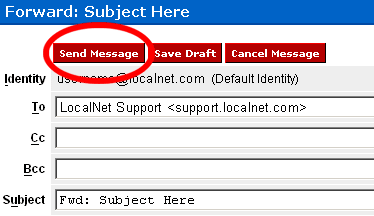
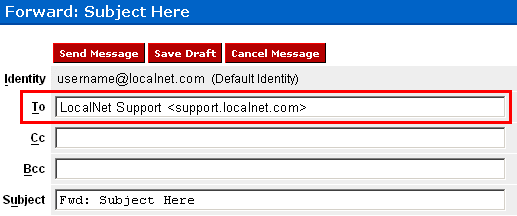
A new window will open allowing you to forward the existing message. In the
"To" field type the email address(es) you wish to forward the message to.
-
You can add any comments you'd like to the body of the message and then click
the "Send Message" button to forward the message.