- Top Stories
- US News
- International
- Sports
- Entertainment
- Business / Finance
- Health
- Science
- Technology
- Offbeat News




Customer Support Center
answers, tutorials, and software downloads
Composing and Sending an Email
-
Click on the "Compose" button and a popup window will open.

-
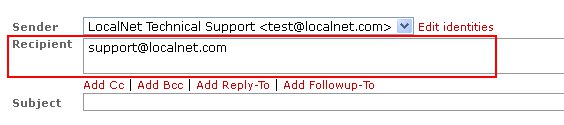
In the "Recipient" field type the e-mail address (ex. support@localnet.com) you wish to send the message to. If you want to send to more than 1 e-mail address, just include additional e-mail addresses by separating them with a comma (,) or semi-colon (;) (ex. support@localnet.com, ccare@localnet.com).
-
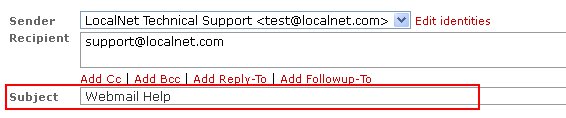
In the "Subject" field type a brief description of the topic addressed in the message (ex. Bobby's Football Game).
-
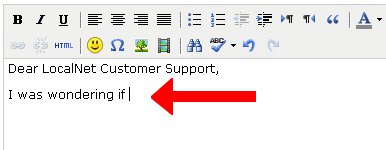
Type your message in the big white box.
-
Once you have finished typing your message, click the "Send Now" button to send your message.