- Top Stories
- US News
- International
- Sports
- Entertainment
- Business / Finance
- Health
- Science
- Technology
- Offbeat News




Customer Support Center
answers, tutorials, and software downloads
Sending a File Attachment
-
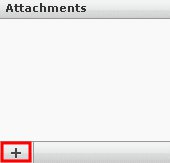
Click on the "+" button at the left side of the "Message Composition" window.
-
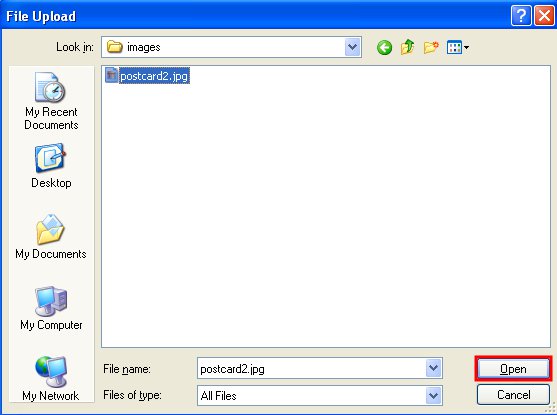
In the window that opens, browse to the location of the file you wish to attach, highlight the file and then click open.
-
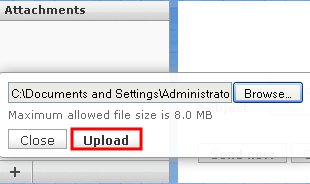
Click the "Upload" button.
-
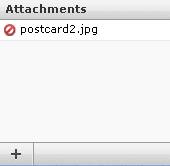
The file you chose will now be attached to the message when you send it.